- DCEmu Network Home
- DCEmu Forums
- DCEmu Current Affairs
- Wraggys Beers Wines and Spirts Reviews
- DCEmu Theme Park News
- Gamer Wraggy 210
- Sega
- PSVita
- PSP
- PS5
- PS4
- PS3
- PS2
- 3DS
- NDS
- N64
- Nintendo Switch
- Snes
- GBA
- GC
- Wii
- WiiU
- Open Source Handhelds
- Apple Android
- XBOX360
- XBOXONE
- Xbox Series X
- Retro Homebrew & Console News
- DCEmu Reviews
- PC Gaming
- Chui Dev
- Submit News
- ContactUs/Advertise
Search DCEmu |
Social Media |
|
Facebook DCEmu Theme Park News Wraggys Beers Wines and Spirits Youtube Wraggys Beers Wines and Spirits DCEmu Theme Park News Videos Gamer Wraggy 210 Wraggys Beers on Twitter Wraggys Beers on Instagram |
The DCEmu Homebrew & Gaming Network |
|
DCEmu Portal |
DCEmu Newcomers |
||||||||||
|
||||||||||
|
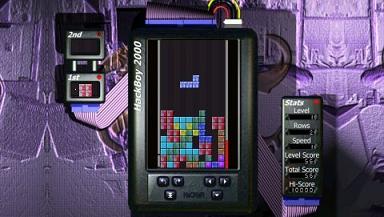
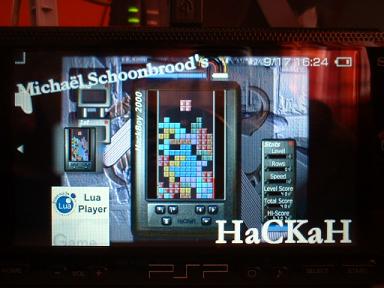
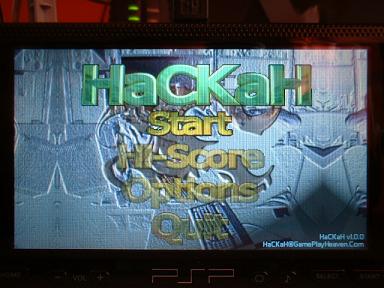
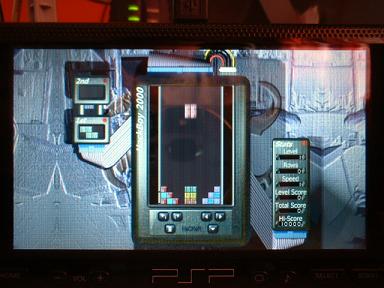
PSP News is a News and downloads site for the Playstation Portable, We have all the latest emulators, homebrew, commercial games for the PSP and all the downloads on this site, we also cover commercial gaming and console news. Part of the DCEmu Homebrew & Gaming Network. PSP Homebrew Name = HaCKaH Authors /Website = MadButch / http://www.dcemu.co.uk/vbulletin/showthread.php?t=10850 Screenshots
Downloads = Here v1.0.2 17th September 2005 (Please Download this Eboot as well as it is the proper eboot to go with the zip) Discuss this release here --> http://www.dcemu.co.uk/vbulletin/showthread.php?t=10850 The game has been updated to v1.0.2. Fixed a bug that prevented the mirrored L block from appearing. Enjoy! (created a V1.0 PSP Zip Here) Discuss this release here --> http://www.dcemu.co.uk/vbulletin/showthread.php?t=10850 Information = HaCKaH was written for a PSP with bios 1.5. How to install the game on your PSP's memory card. If it doesn't exist already, make a dir called PSP in the root of the mem
card, and a dir GAME in the just created PSP dir. Your PSP's memory card will have the following folders after your done: \PSP\GAME\HaCKaH~1%
Visit www.gameplayheaven.com for the latest version of the game and the music files.
The Hottest DCEmu Posters |